Here are the steps:
1. Sign In to your Amazon Associates account. Then click on Widgets menu bar.

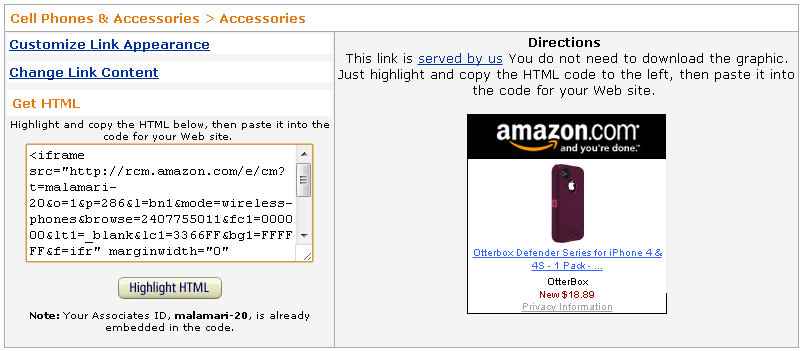
2. Click on the Widget type you want to build, follow the instructions to get the HTML code. Example:
3. Sign In to your Blogger account, edit the Layout to add a HTML/JavaScript Gadget. Copy and Paste the HTML code into the Content. Remember to give a Title for it. Example:

4. Done!